
Is your small business struggling to turn online searches into local sales? You’re not alone many retailers face the same challenge of reaching customers in their own neighborhoods. That’s where local SEO and a local Google Shopping feed come into play. This guide will walk you through how to optimize your Google Shopping feed specifically for local searches, helping your products appear in front of nearby shoppers who are ready to buy.
By fine-tuning your product data, syncing your store’s inventory, and aligning your listings with local intent, you can boost visibility in Google Shopping results and attract more in-store and online traffic from your area. Whether you run a boutique, a hardware shop, or a small chain of stores, mastering your local Google Shopping feed can help you stand out from competitors and increase real-world sales.
Quick Summary
To boost your local sales using Google Shopping, start by fully optimizing your Google Business Profile (GBP) with accurate, complete information and encouraging customer reviews. Next, create a locally optimized Google Shopping feed in the Google Merchant Center, using local keywords in product titles and descriptions. Finally, use Local Inventory Ads (LIAs) to show real-time, in-store availability and drive foot traffic to your physical store.
What is Google Business Profile Optimization?
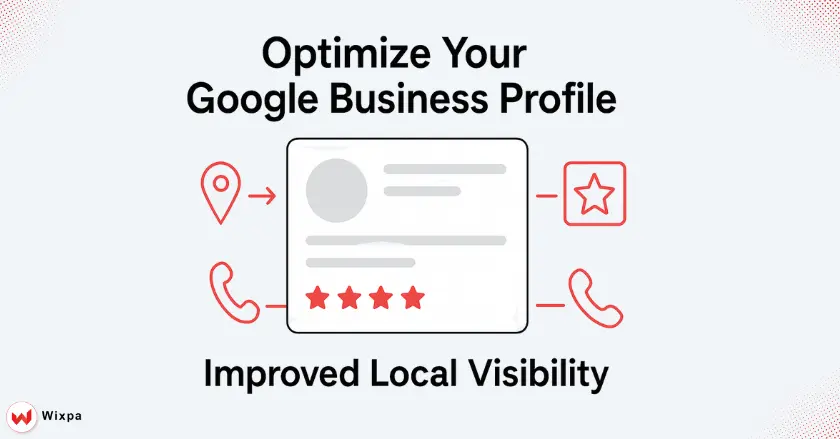
Think of your Google Business Profile (GBP) as your digital storefront. It’s often the first interaction a local customer has with your brand on Google Search and Google Maps. A well-optimized profile is the foundation of your local SEO strategy, making it essential for getting your products noticed in local search results.
Claiming, Verifying, and Completing Your Google Business Profile
First things first, you need to claim and verify your GBP listing. This is a crucial trust signal for Google and for your customers. I’ve seen businesses lose out on significant web traffic simply because they skipped this step.
- Claim Your Profile: Go to google.com/business to find or create your listing. If a profile already exists, you’ll need to request ownership.
- Verify Your Business: Google will send a verification code to your physical address to confirm your location. This proves you have a real, local presence.
Essential GBP Optimization for Local Product Exposure
Once verified, it’s time to fill out every section of your profile. Incomplete profiles look untrustworthy and rank lower.
- Business Name, Address, and Phone (NAP): Ensure this information is identical across all your online listings, including your website and other directories like Bing Places or Apple Maps.
- Business Description: Write a compelling business description that includes what you sell and the areas you serve. Use local keywords naturally.
- Categories: Choose the most specific primary and secondary categories for your business. This helps Google understand what you offer.
- Google Posts: Use Google Posts to announce new products, sales, and events. This keeps your profile fresh and engaging.
Leveraging Online Reviews and User-Generated Content
Positive reviews are like gold for local SEO. They build trust and directly impact your search rankings.
- Encourage happy customers to leave feedback. A simple follow-up email after a purchase can work wonders.
- Respond to all customer reviews, both positive and negative. This shows you value customer feedback and are committed to good service.
- User-generated content, like photos from customers, adds authenticity to your profile and can influence other buyers.
Crafting a Locally Optimized Google Shopping Feed
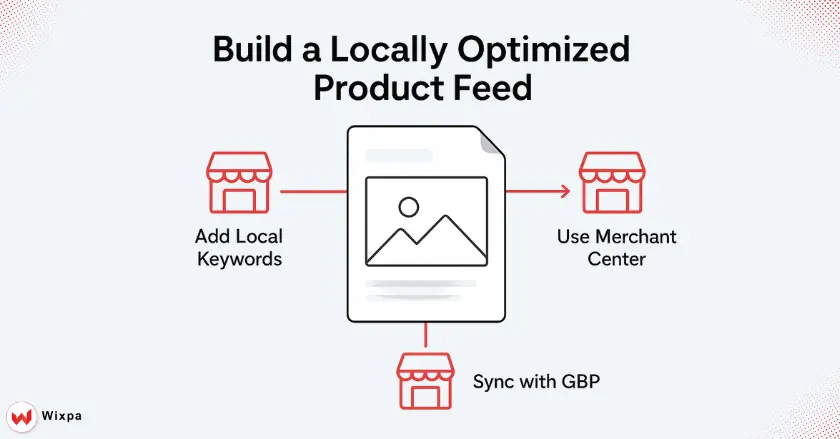
Your product feed is the file that contains all the information about the products you’re selling. Optimizing this feed with local signals is key to appearing in relevant Google Shopping searches.
Google Merchant Center:
Your Google Merchant Center account is where you’ll upload and manage your product feed. You must link it to your Google Business Profile to enable local features. Once linked, you can create a local product feed specifically for showing in-store inventory.
Strategic Product Titles:
Product titles are one of the most important factors for your product listings’ visibility.
- Include Keywords: Add high-intent keywords that users might search for, like “buy,” “for sale,” or specific product attributes.
- Add Local Modifiers: If applicable, add local terms. For example, instead of “Men’s Rain Jacket,” use “Men’s Waterproof Rain Jacket Boston.” This can help you stand out in local search.
Detailed Product Descriptions:
Your product description should be more than just a list of features. Tell a story and provide all the information a customer needs. Mentioning things like “Available at our Chicago store” can reinforce local availability and improve conversion rates. Avoid duplicate content by writing unique descriptions for each item.
High-Quality Product Images:
Clear, high-quality product images are non-negotiable. Show your products from multiple angles and in a real-world context. For local shoppers, including a picture of the product in your store can be a powerful visual cue.
Accurate Google Product Categories and Product Types:
Assigning the correct Google product category is essential. It helps Google’s algorithms understand exactly what you’re selling and show it to the right audience. Use the most specific category possible from Google’s taxonomy.
Critical Product Identifiers:
Global Trade Item Numbers (GTINs), Manufacturer Part Numbers (MPNs), and brand names are critical for matching your products to Google’s product catalog. Missing or incorrect identifiers can cause your products to be disapproved.
Harnessing Custom Labels for Hyper-Local Segmentation:
Custom labels are a powerful feature in the Google Merchant Center. You can use them to segment your products for reporting and bidding in Google Ads. For local SEO, you could create custom labels for different geographical locations or for products exclusive to certain stores.
Bridging Online to Offline (Local Inventory Ads)
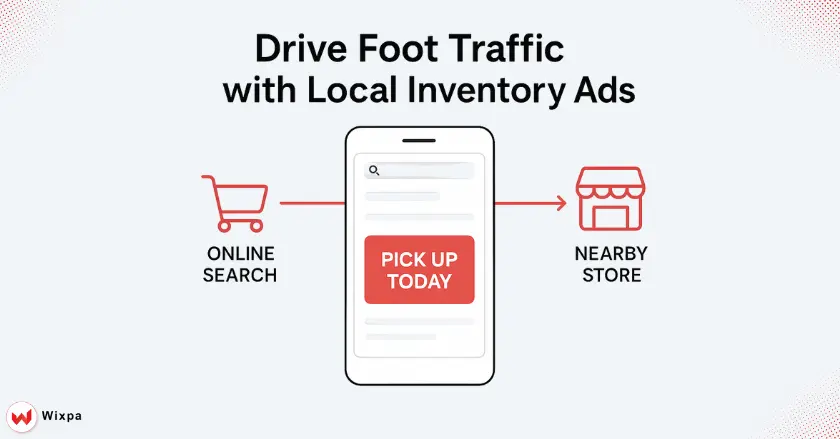
Local Inventory Ads are designed to drive foot traffic to your physical stores. They show online shoppers that you have the product they want in stock at a nearby location.
Understanding Local Inventory Ads (LIAs) and Their Value
LIAs appear in Google Search results and on the Shopping tab, displaying your product, price, and store information. They often feature a “pick up today” message, which is a massive incentive for local buyers who need something immediately.
Setting Up and Optimizing Your Local Inventory Feed
In addition to your main product feed, you’ll need a local product inventory feed. This feed includes product identifiers, store codes, quantity, and price. It’s crucial to keep this feed updated in near real-time to ensure accuracy and avoid disappointing customers.
Showcasing In-Store Offers, Promotions, and Unique Selling Points
Use your Local Inventory Ads to highlight what makes shopping with you special.
- Showcase in-store only promotions.
- Mention services like curbside pickup or in-store consultations.
- Promote unique selling points like being a local, family-owned business.
Why Does Website Optimization Matter?
Your website is the final destination in the customer’s journey. A poor landing page experience can undo all your hard work in local SEO.
Locally Optimized Product Landing Pages
When a user clicks on your product listing, they should land on a page that is consistent and easy to navigate.
- Make sure your local contact information is clearly visible.
- The product, price, and availability should match what was shown in the ad.
- Include a map and directions to your physical store.
Implementing Structured Data Markup (Schema) for Local Products
Schema markup is code you add to your website to help search engines understand your content. Using LocalBusiness and Product schema markup can enhance your product listings with rich snippets, like ratings and in-store availability, making them more attractive in search engine results pages. You can use Google’s schema markup validator to check your implementation.
Core Technical SEO for Local Product Discovery
Don’t forget the basics of technical SEO. A fast-loading, mobile-friendly website with a clear URL structure is essential for both user experience and search rankings.
How to Measure Local Shopping Success?
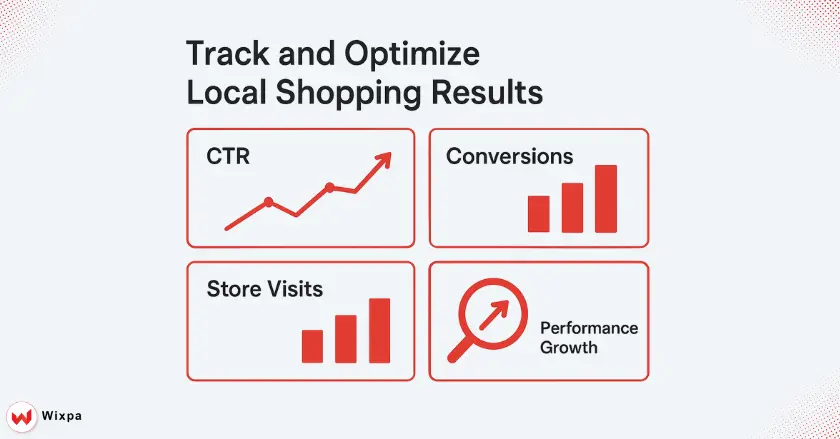
Performance tracking is vital for understanding what’s working and where you can improve. Use Google Merchant Center and Google Analytics to monitor your local shopping campaigns.
Key Performance Indicators (KPIs) in GMC and Google Analytics
- Clicks and Impressions: Track how many people are seeing and clicking on your local product listings.
- Click-Through Rate (CTR): A low CTR might indicate that your product titles or images aren’t compelling enough.
- Conversion Rates: Monitor how many clicks are leading to online sales or other desired actions.
Analyzing Local Search Performance and Offline Conversions
One of the biggest challenges in local SEO is tracking offline conversions. Google offers “store visit conversions” in Google Ads, which uses aggregated, anonymized data to estimate how many users who clicked your ad later visited your store.
Iterative Optimization and A/B Testing
Local SEO is not a “set it and forget it” activity. Continuously test different elements of your product feed and landing pages. A/B test your product titles, descriptions, and images to see what resonates most with your local audience.
Advanced Strategies and Future Trends
Ready to take your local Google Shopping efforts to the next level? These advanced strategies can give you a competitive edge.
Leveraging Local Citations and Backlinks
Local citations are mentions of your business’s NAP on other websites, like local directories and blogs. Consistent citations build authoritativeness. Gaining local backlinks from other reputable local businesses or news sites can also significantly boost your local search rankings.
Competitor Analysis for Local Product Listings
Keep an eye on what your local competitors are doing on Google Shopping. Analyze their product pricing, titles, and promotions. This can help you identify gaps in the market and find opportunities to differentiate your own offerings.
Role of Google’s Shopping Graph and AI in Local Product Discovery
Google’s Shopping Graph is a massive dataset that understands products, brands, and inventory. As AI and natural language processing become more sophisticated, Google’s ability to connect shoppers with relevant local products will only improve. Optimizing your feed with detailed, accurate data is the best way to prepare for these changes.
Leveraging First-Party Data for Personalized Local Shopping
As third-party cookies are phased out, your own first-party data becomes even more valuable. Use data from your CRM and past purchase history to create personalized offers and remarketing campaigns for local customers.
Final Thoughts
Optimizing your Google Shopping feed for local SEO is a powerful way for small businesses to connect with nearby customers and drive in-store sales. It requires a foundational approach, starting with a perfectly optimized Google Business Profile and extending through to a detailed, localized product feed. By embracing tools like Local Inventory Ads and consistently measuring your performance, you can turn your digital presence into a real-world advantage right in your neighborhood.
FAQs
1. How does GMB help improve local SEO performance?
Google My Business enhances visibility in local searches by attracting nearby customers and improving engagement. It plays a key role in boosting the SEO Local Google Shopping Feed performance and driving more sales.
2. What’s the key factor for better GMB rankings?
Consistent NAP info, keyword-rich descriptions, and regular updates help your GMB profile stand out Consistent NAP details, keyword-rich business descriptions, and regular profile updates help boost visibility. These factors directly support Local SEO Google Shopping Feeds performance and drive better local reach.
3. How does GMB optimization impact local search ranking?
Optimizing your GMB profile boosts map pack visibility, builds credibility, and drives local clicks. This improved engagement strengthens Local SEO Google Shopping Feeds strategies, helping businesses rank higher and attract more customers.
4. How are backlinks connected to local GMB SEO?
High-quality local backlinks increase business authority and improve Google rankings. Strong backlinks also enhance GMB visibility and amplify Local SEO Google Shopping Feeds results, driving more traffic and trust from nearby audiences.
5. Why is local citation consistency vital for GMB?
Consistent citations across online directories reinforce your brand’s trustworthiness, improve search accuracy, and enhance Local SEO Google Shopping Feeds performance, helping your business rank higher in local search results.